To read and print
What the site does, and why
For those who decide: the model, the rules, who sees what, and how the record is kept.
22 pages · PDF
Open the guide “What the site does, and why”, opens the PDF in a new tab Kasr Al-AinyFaculty of Medicine
 GreifswaldUniversity Medicine
Fellowship of NeuroendoscopyCairo · Greifswald · Course Binder
Course BinderFilms and guides
Short films of the site as it is used: how a lecturer chooses a lecture, how the organizers keep the calendar, and how to keep the site on a phone. Each one plays here, with sound. Beside them, a printed guide for each group, to read or keep.
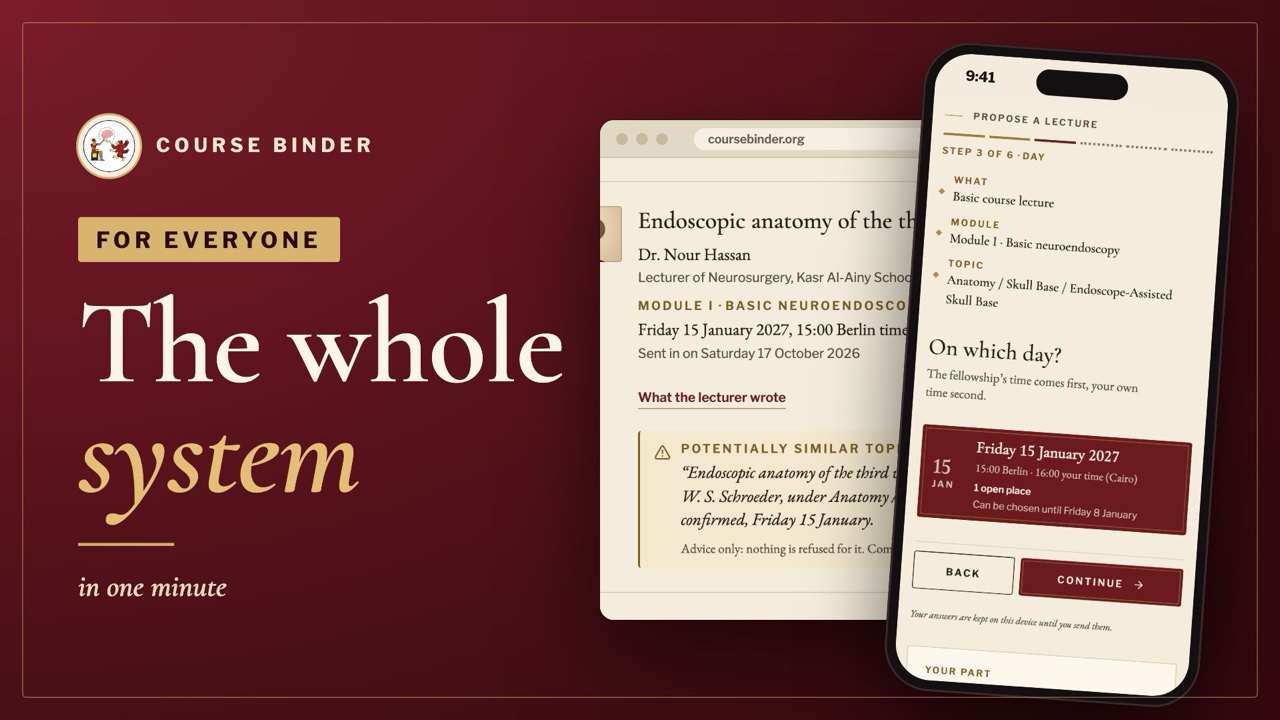
1 minute
From a lecturer's first link to the printed programme, without a word of detail.

1 minute
Keep the site on your home screen or Dock, and turn on the notices that matter to you.
1 minute
An e-mail address, six short steps and your documents, on your phone.
1 minute
Today, checking in with the speaker's code, a question for the faculty, your certificate and how anyone verifies it.
To read and print
For those who decide: the model, the rules, who sees what, and how the record is kept.
22 pages · PDF
Open the guide “What the site does, and why”, opens the PDF in a new tab
2 minutes
One link, your profile, then the kind of teaching, the topic, the day and the hour.
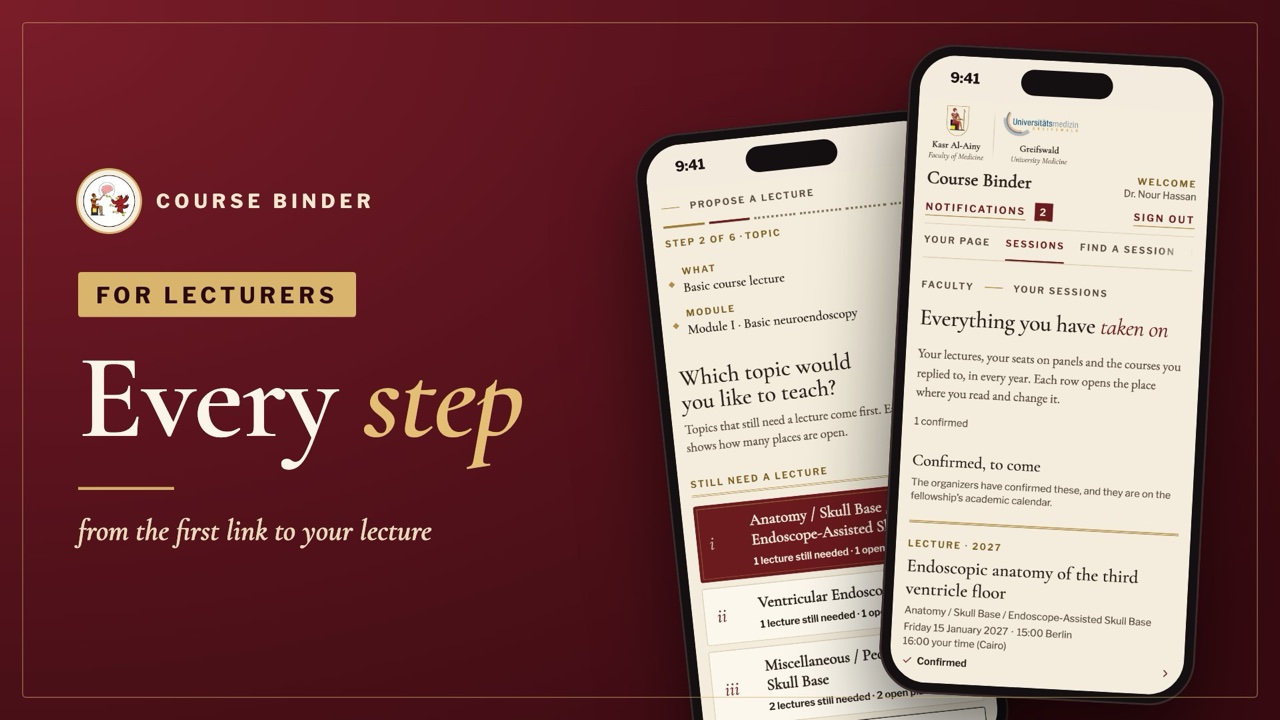
4 minutes
The same path in full: waiting for approval, a place just taken, reminders, your days and your profile.

To read and print
From the group's link to a confirmed lecture: register, approval, choose, confirmed. Keep it for the day you choose your next lecture.
20 pages · PDF
Open the guide “Teaching in the Fellowship”, opens the PDF in a new tab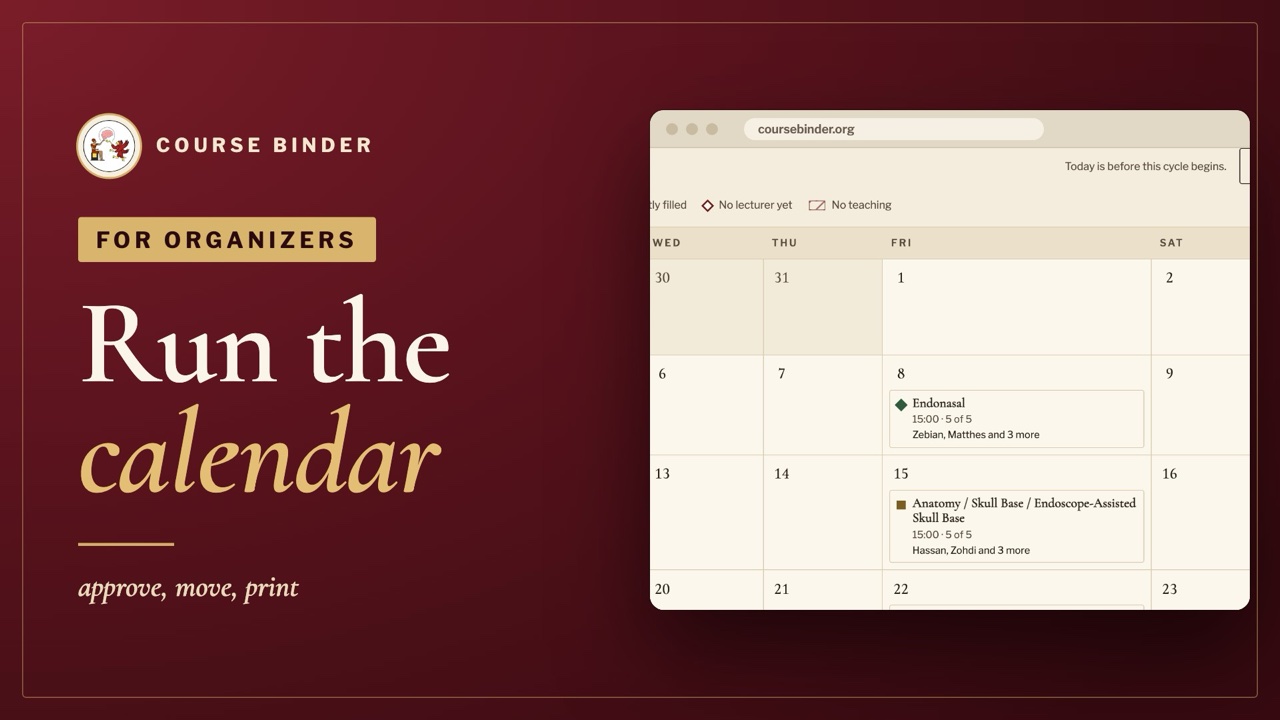
3 minutes
What needs attention, approving lectures, moving a session, blackouts and the printed programme.
1 minute
Choosing a template, the editor, asking a signatory for their signature from the web, issuing the certificates and revoking one.
1 minute
Reading the applications, shortlisting and accepting, and setting or correcting a fellow's attendance with the reason kept on record.
1 minute
Switching the helpers on one by one, what the public page tells everyone, and what an AI never sees.

To read and print
Every screen of the organizers' side, in the order a year is prepared: the year, the calendar, the faculty, and the record.
24 pages · PDF
Open the guide “Preparing the academic year”, opens the PDF in a new tab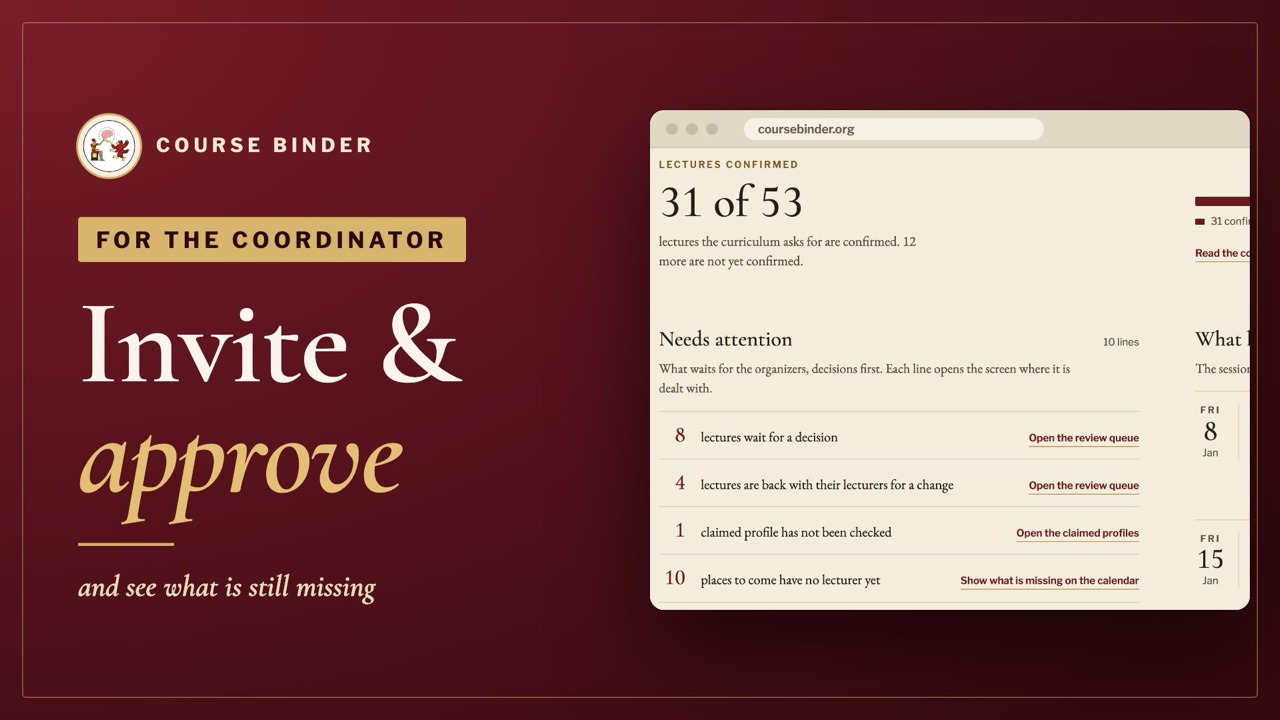
2 minutes
Inviting faculty, approving registrations and seeing what is still missing on the calendar.
The film plays from YouTube once you press play; nothing is loaded from YouTube before then.
Back to the home page